How to Request Time Off on the Web (WFM)
Created
How to request time off as an employee on the Web.
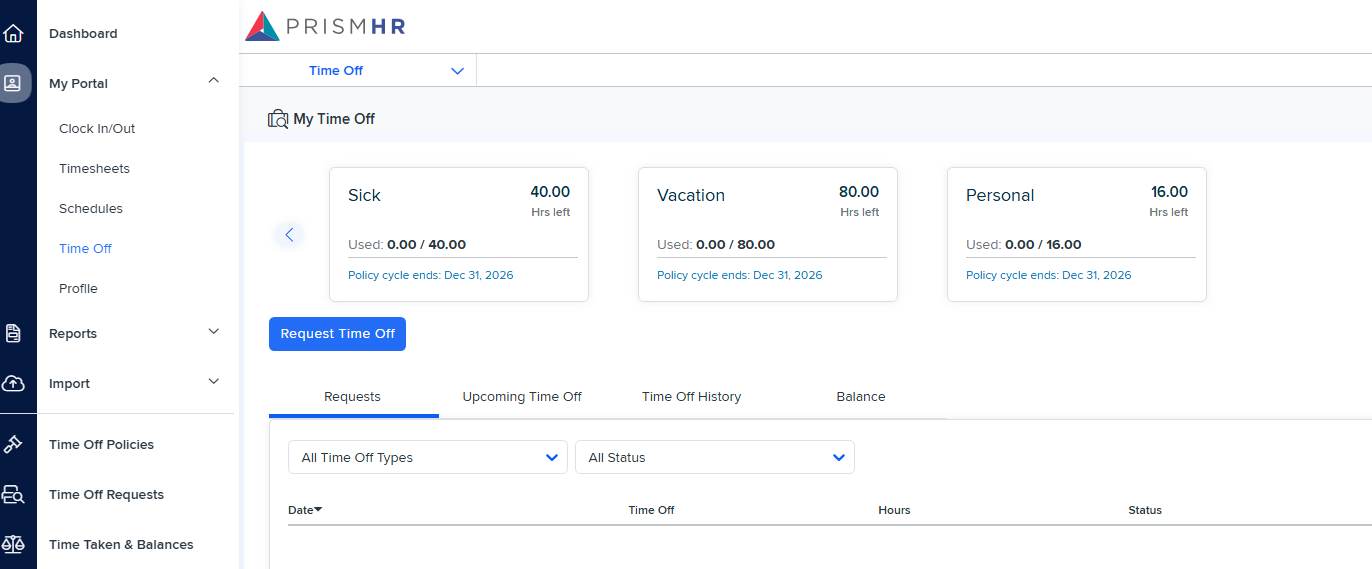
1. Log into your account.
2. Tap 
- and select 
3. Select 
4. New Time Off Request
- Make the necessary selections.
- Click 
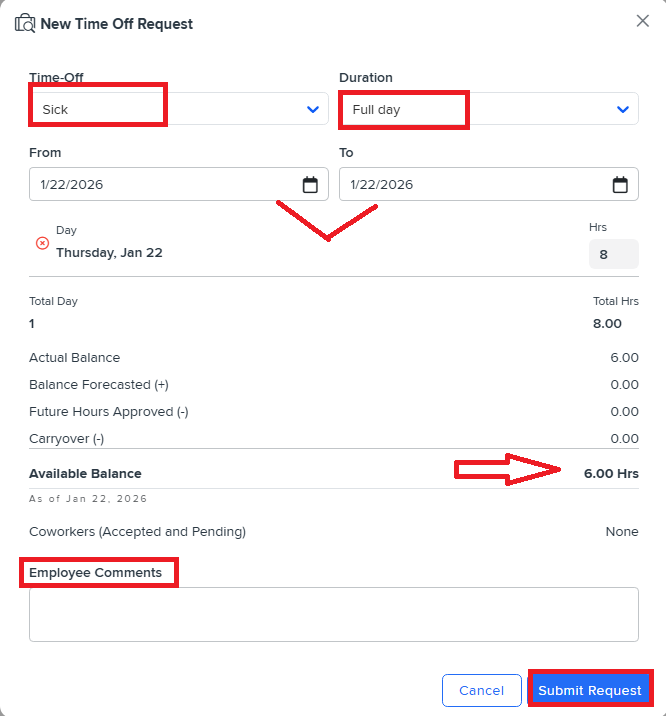
| Setting | Description |
| - Time Off types that are enabled in the policy plan
|
- Duration Hours Amount of hours that have been requested off in total
| - Determine if the time off request is for a full day, half day, or specific amount of hours
|
| - Start date of the Time Off Request
|
| - End date of the Time Off Request
|
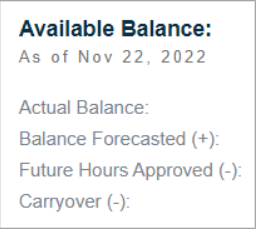 | - Actual Balance - The balance as of today
- (+) Balance Forecasted -A forecast of the accrued hours between today and the requesting dates.
- (-) Future Hours Approved - Time Off approved in the future that has not yet been taken.
- (-) Carryover - Any applicable carryover events between today and the requesting dates.
- (=) Available Balance - Available time off balance
|
- Coworkers (accepted and pending)
| - Coworkers that have already requested that day off or have pending requests for that day off
|
| - Comments for the request are optional unless it has been enforced in the Policy Plan
|
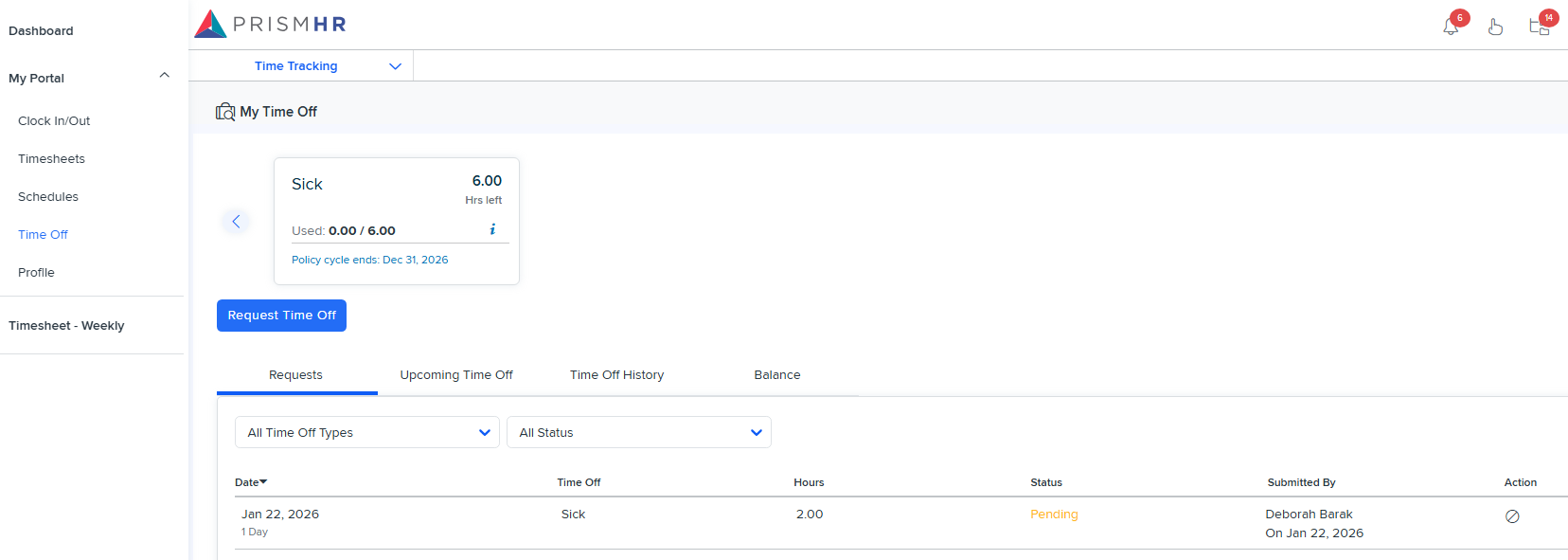
5. Your request will be reflected on your My Time Off page.