To request time off:
- Log in to your Workforce HUB.
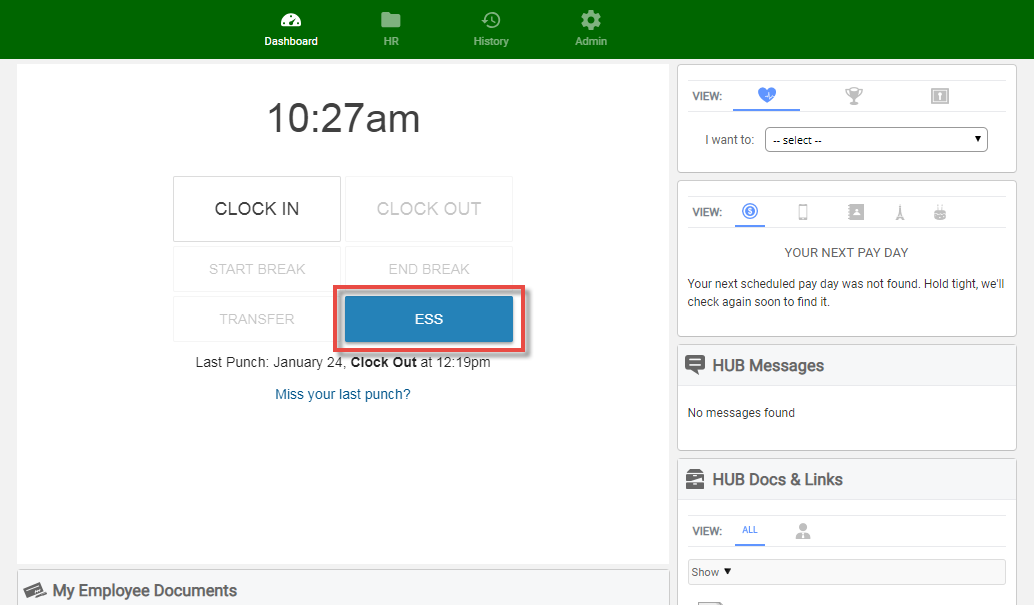
- Your clock options are at the center of the screen. Click on ESS.
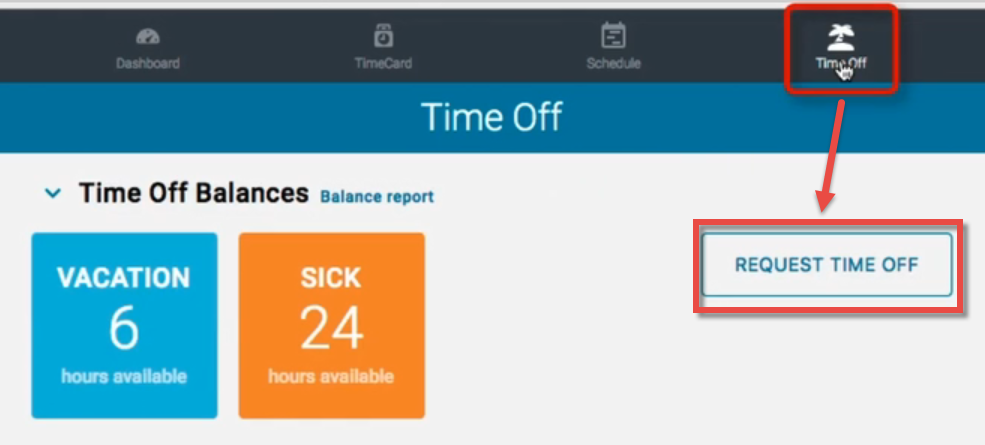
- Click Time Off at the top menu. Then select Request Time Off.
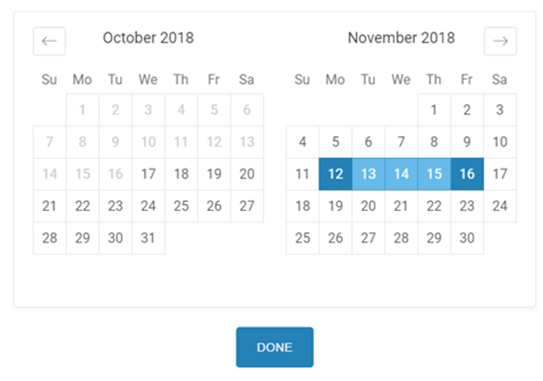
- Select the dates for your request.
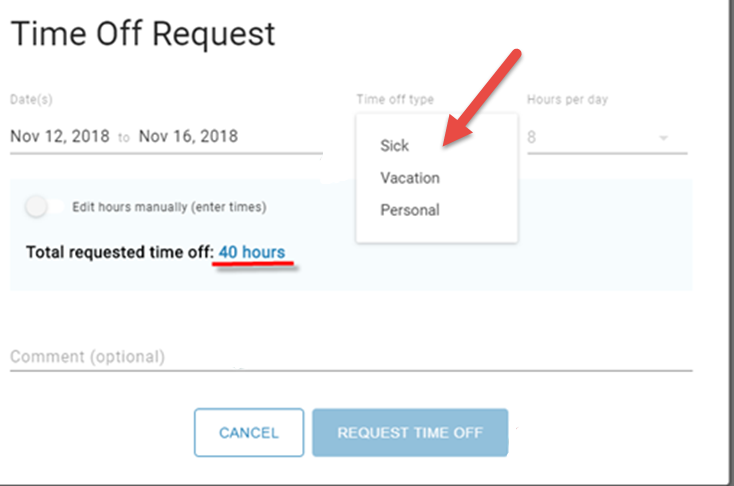
- Select the type of request and add a comment if you'd like. Click Request Time Off.
A supervisor will be notified via email of your request.
To view details about your accrued time off, see Manage Accrual Balances.